Turn your screen into a local channel.
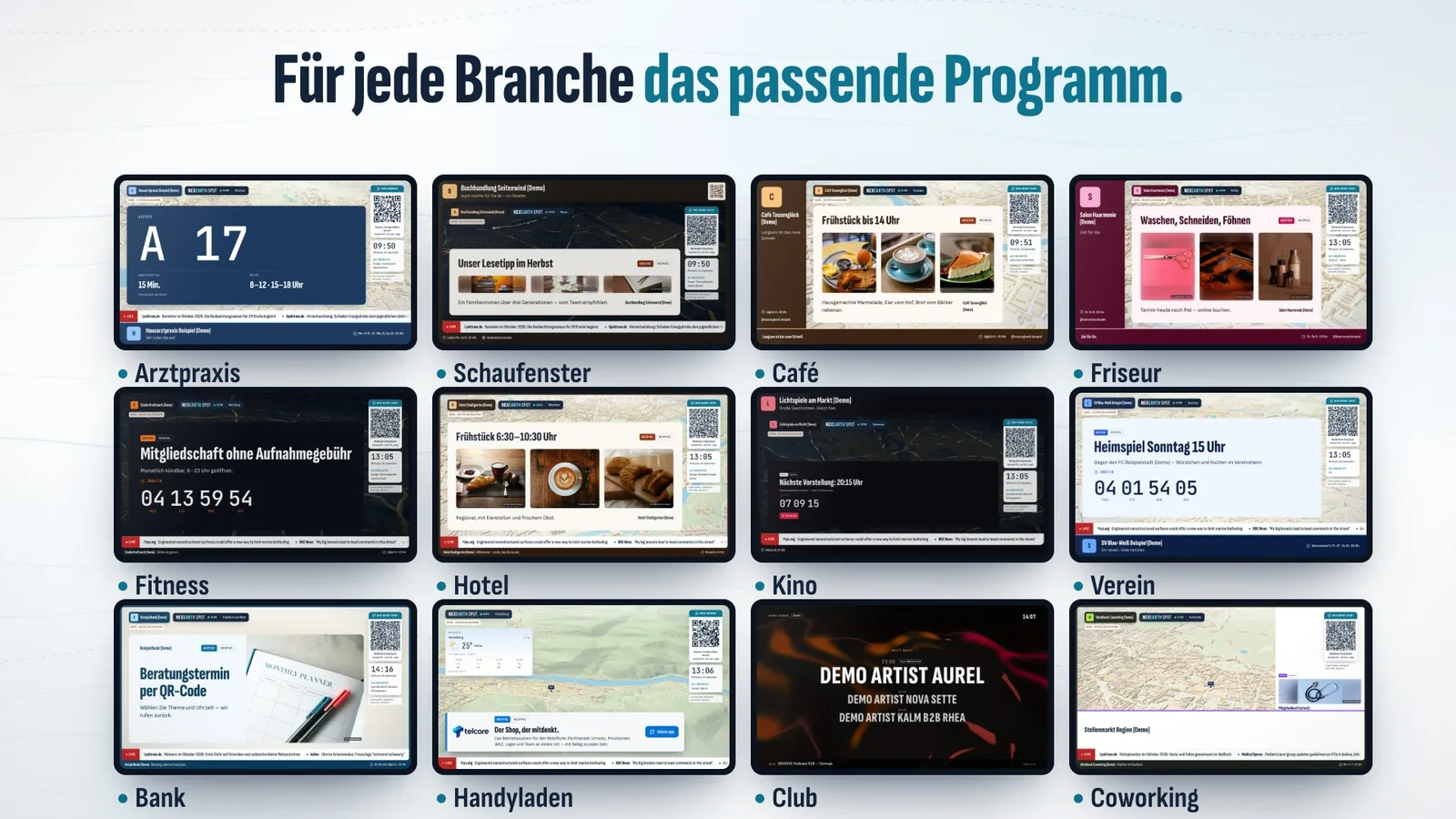
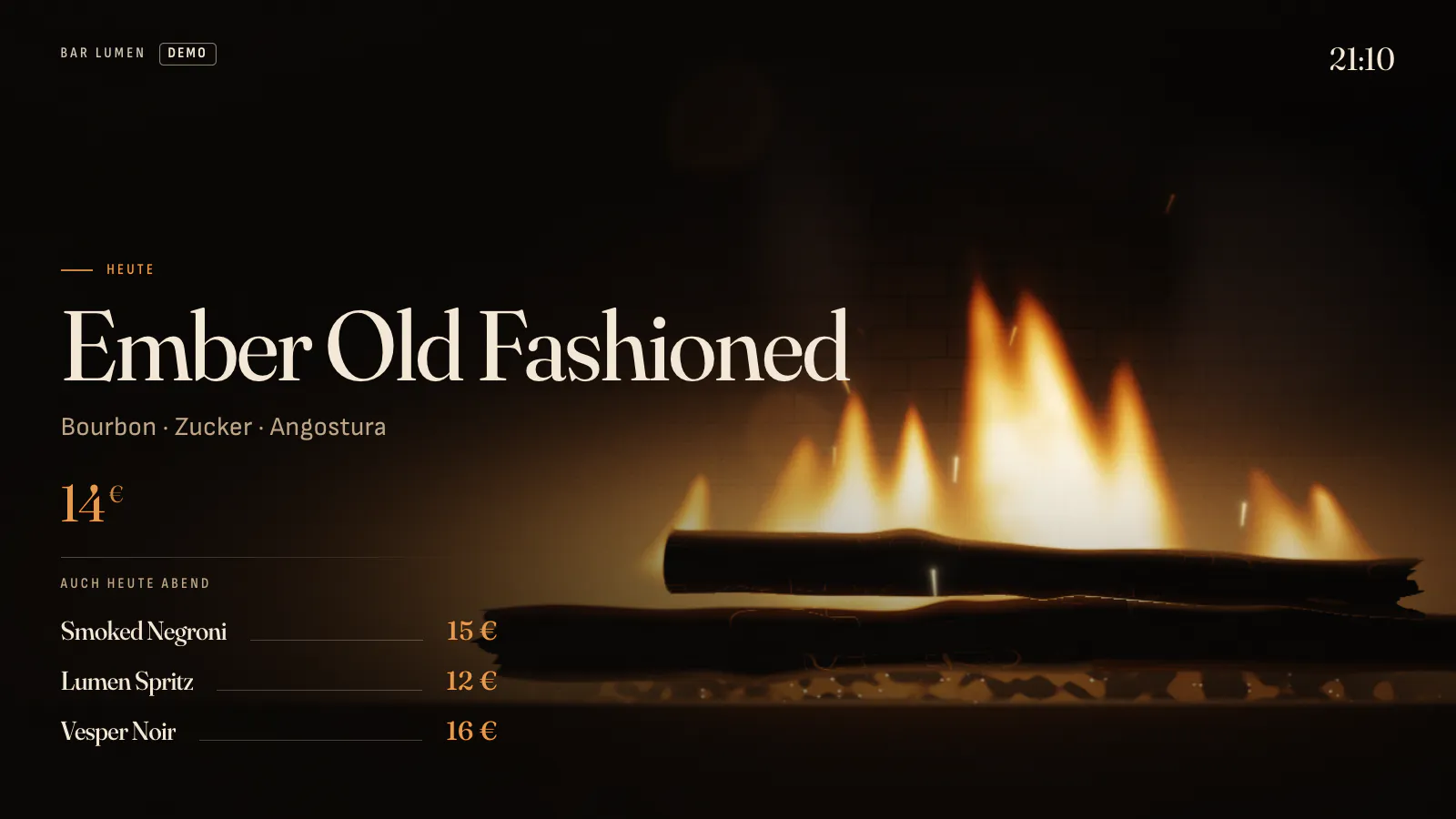
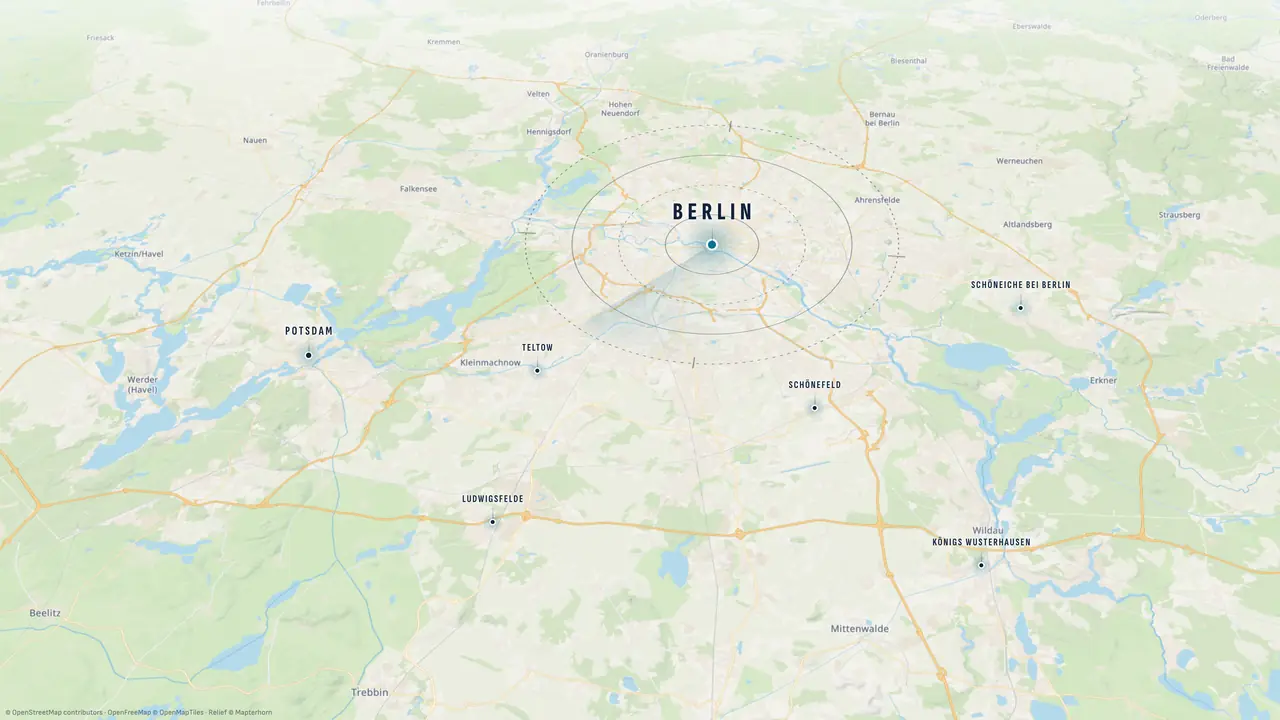
What the film shows, without narration: a screen that only says “Welcome” becomes a local channel. On a city map, screens appear in a bar, club, doctor's practice, shop window, café and bakery; then a doctor's practice, shop window, car dealer and gym one by one, and a wall of twelve industries. Bars, clubs, lounges and sports bars get their own mood. Studio is a construction kit: every module switches on its own, every look fits every program. Plus road trips on the most beautiful roads, a camera wall with live views of places around the world, embedded live TV and kids mode for nurseries, schools and waiting rooms. Worldhope shows only good news with sources on request. Charities such as an animal shelter, a blood service, a food bank, the fire brigade and cold-weather aid advertise for free. Spot in four steps: paste a link, the AI builds and checks the ad, choose a format, the operator approves. In public places the screen shows city information, clubs and events. Finally: the possibilities are endless – one screen, everyone wins, nexearth.vercel.app.
Turn any TV into a living program that runs itself — and turn unused airtime into ads from your neighborhood.
- Screen owners share in the ad revenue
- Advertisers reach the neighborhood
- Viewers get a real program
NEXEARTH is not released yet: everything here is a preview. We're testing Studio, Spot and Explorer with partners (access code); nothing can be booked yet.
Your screen. Your channel.
Set it up. Turn it on. Let it run. NEXEARTH Studio fills your screen all day on its own — sourced news, local weather, your neighborhood on the map, and full worlds for bars and clubs. Up to 4K, PIN-locked, nothing to install.
Classic screen software
You create the content: build slides, maintain playlists, swap images. Two weeks later it shows the same as always.
NEXEARTH Studio
The world is your content: new reports, new weather, new figures – every minute, without you adding anything.
8 programs, one screen
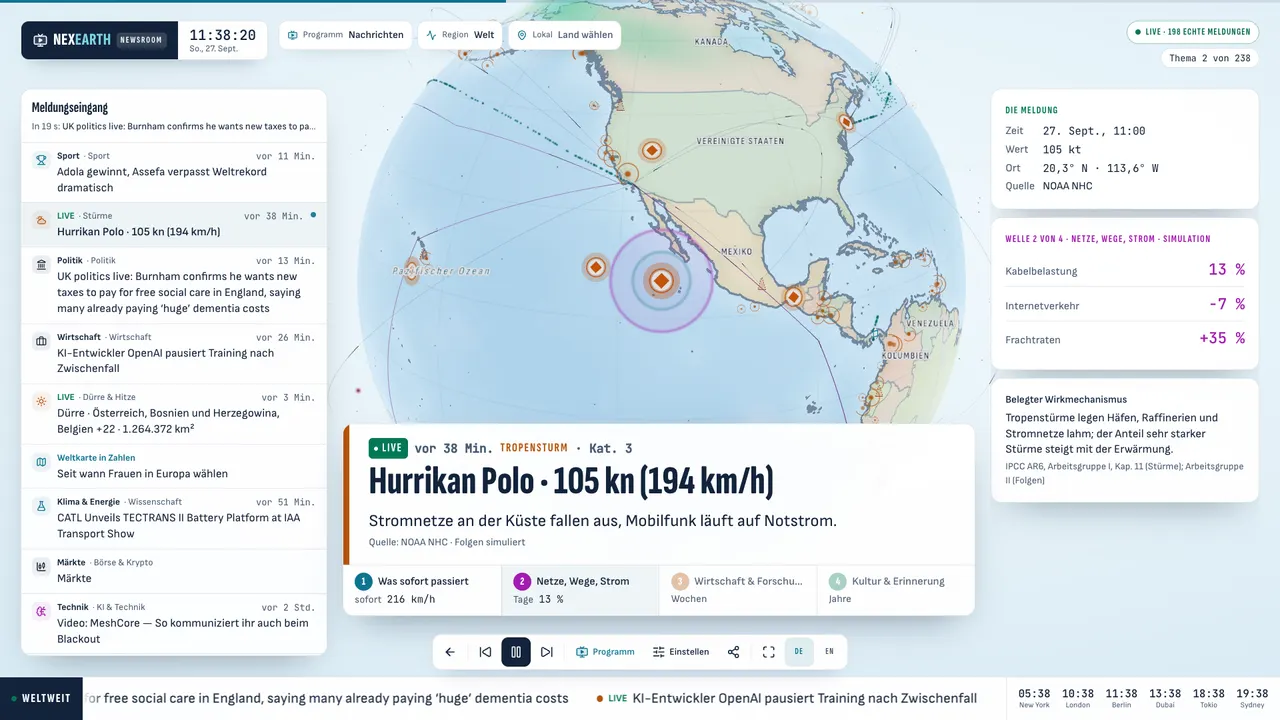
In every program
- Live TV & radio for your home; on public screens only with your own license (GEMA/VG Media)
- Weather for your places (MET Norway)
- Show, hide, move and resize every panel
- 4K, kiosk full screen, PIN lock, one link for any TV
Runs for example in
- Cafés & bars
- Offices & reception
- Waiting rooms
- Shops & barbers
- Nurseries & schools
- Living rooms
Explore for free.
The Explorer puts the Earth in your hands: spin the globe, tap real events, ask about any place. Free, no account.
- Spin the globe, tap real events
- Ask any place: weather, air, Wikipedia, radio and TV
- Time machine 1800 to 2030, 3D cities, world quiz
Real data. With sources.
What is live carries its source. What is estimated or simulated says so.
- Live from open sources
- Quakes from USGS and EMSC, storms and fires from NASA and GDACS, space weather from NOAA, weather from MET Norway, knowledge from Wikipedia and the World Bank.
- No war, no political ads
- There is no military data, war and violence reports are filtered out by default. No such report ever runs next to an ad.
- No tracking
- No third-party analytics tools, only our own count without cookies or identifier. Settings stay on your device. Only YouTube may set cookies – after you click a live camera.
- Honestly labelled
- Consequence waves, the time machine and some counters are models. Each says so – with the working shown.
Symbol key: every mark on the globe
What moves on the globe
Every movement means something. Here is how to read it:
- A light runs along an arcA plane on its route between two hubs. Arcs, because the shortest way on a sphere is a great circle. More arcs = more air traffic in the chosen year.
- Dots travel along a sea laneShips on the main trade routes, in both directions. How close the dots are shows how busy the lane is.
- Dots bunch up and stopThe route is closed in the chosen scenario, for example by a blockage or a storm. The ships wait before the chokepoint.
- Dashes run along the sea floorData flowing through a subsea cable. Bright pink and fast means this cable is affected in the scenario.
- A calm ring with a glowing coreEarthquake activity along plate boundaries. In the current year the globe shows real quakes from the last days (USGS); the “Seismic” layer adds the known quake zones.
- Violet circles light up at hubsAn internet hub reports an outage. A large, strong circle means the scenario hit this hub.
- Green bands around the polesThe auroral oval. During a solar storm the outer band grows stronger – aurora is then visible further from the pole.
- Small dots cross the sphereSatellites on their orbits, shown as a sample. How many dots move follows the chosen year: none before 1957, very many today.
- A dot with a softly breathing haloA current report or a scenario you can click. Orange with a diamond core = risk, green with a round core = good news. A click shows the possible consequences.
- Four coloured zones open one after anotherAn event's consequences in order: 1 right away (teal), 2 networks & routes (magenta), 3 economy (orange), 4 culture (green). The zones show order, not real distances.
- Bluish halfIt is night there right now – computed from the real position of the sun this minute.
- The globe turns slowlyAs long as nothing is selected. Drag to turn it, scroll or pinch to zoom, click land or sea to research the place.
Frequently asked questions
Pick a topic or type a keyword.
What do you want to do with NEXEARTH?
Two ways in. Both start free, right in your browser.
- I have a screenSet up a screenCafé, bar, practice, shop, office: your program is on in moments.
- I want to advertiseAdvertisePaste your website, see your ad, find the right screens.
Just curious?Explore for free